Hey everyone,
I’m happy to announce that Classic Monks v1.1.4 is now live!
This release includes a total of 75 changes:
- 28 new options and features
- 20 bug fixes
- Numerous performance improvements and refinements across the plugin
Key highlights:
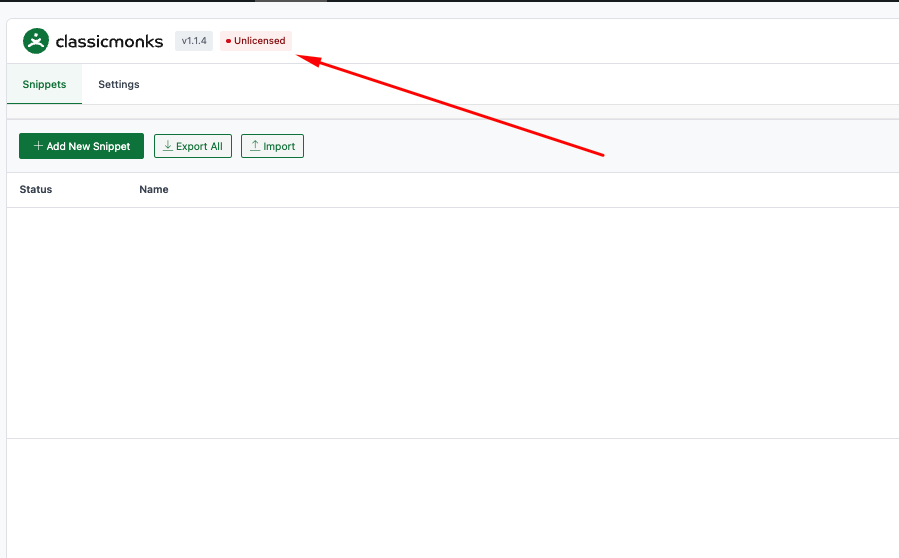
- Code Manager – A powerful new tool to add, organize, and manage custom code snippets (PHP, CSS, JS). Supports grouping, conditional activation/deactivation, and automatic conflict detection.
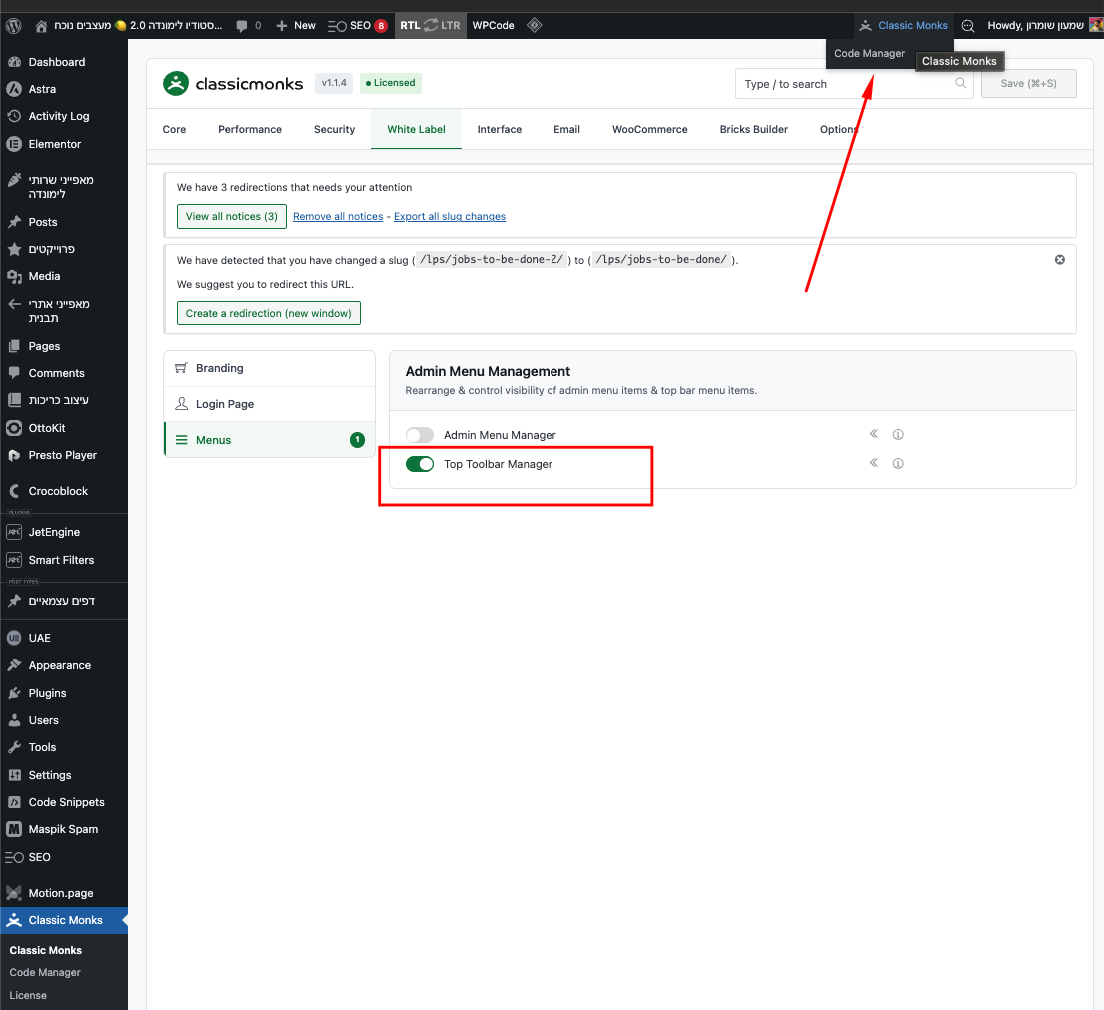
- Admin Menu & Top Toolbar Managers – Completely rebuilt. You can now hide, rename, reorder, or customize any item in the admin sidebar and top toolbar with full control.
- Security enhancements – Added REST API access controls, more advanced email obfuscation, and trusted devices for 2FA (so you skip the code on devices you trust).
- WooCommerce + Bricks integration – New “Buy Now” element for Bricks Builder, plus expanded conditional logic options for checkout and product pages.
- Media management upgrades – Exclude specific images from optimization, easily restore originals, batch-delete unused image sizes, and clean up your media library faster.
The plugin is now smoother, faster, and more reliable overall.
Fully tested with:
- WordPress 6.9
- WooCommerce 10.4.3
- Bricks Builder 2.1.4
Complete Changelog:
Special Thanks
This release was significantly improved thanks to detailed feedback, bug reports, screenshots, and screen recordings from our community:
- Aleksa – Image size settings not saving, feature requests for admin productivity enhancements
- Alexander – Top Bar Manager disabling hover menu on profile link
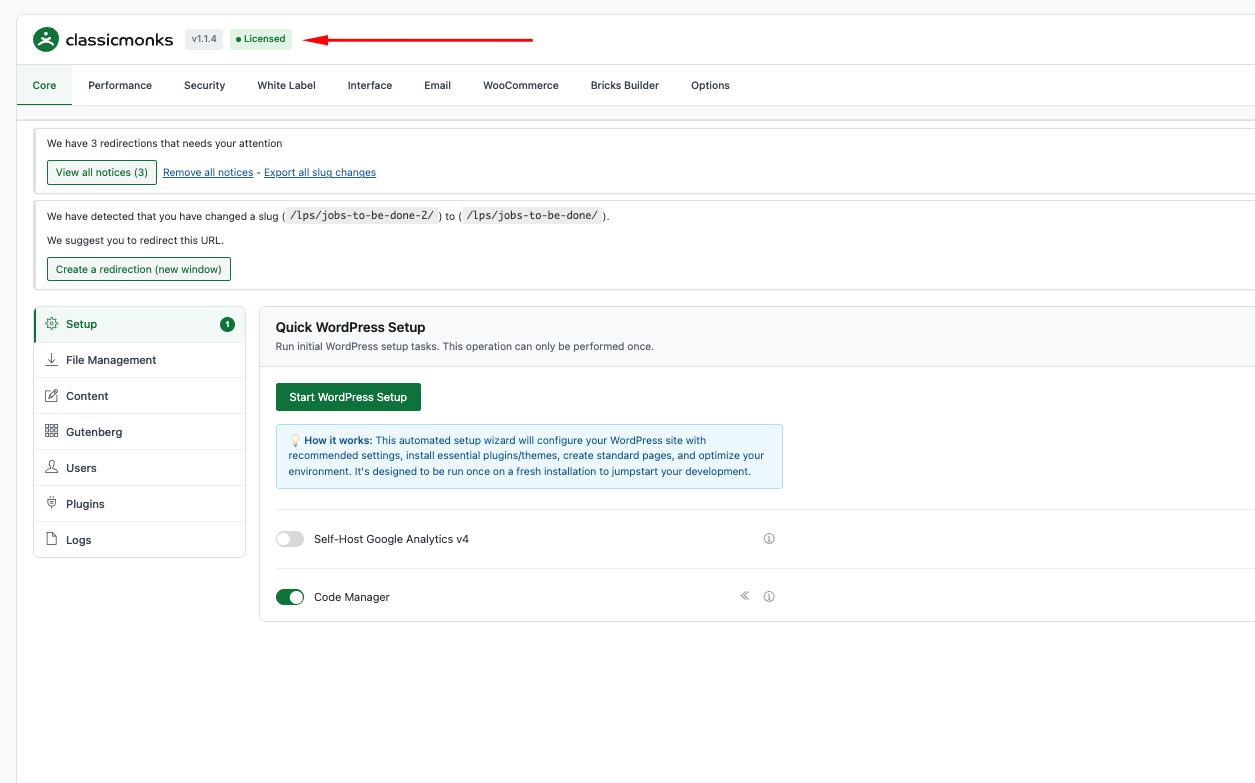
- Andria – License showing inactive despite activation, 2FA indicator issues, admin notices not persisting
- Emmanuel – Cloudflare Turnstile key validation, email obfuscation comparison, Login Lockdown feature requests
- Julie – Image exclusion functionality not working in media converter
- Karlo – Media Category refresh loop, Custom Code not saving, BricksLab Navigator request
- Noud – User switching and View admin as role issues, Menu editor not working
- Puwapat – Custom Code disappearing, WebP mobile display, Media Cleaner failures, WooCommerce redirect request
- Robin – User switching redirect, license message for switched users, media conversion logs, trash management, White Label requests
- Sina – Top Bar Manager removing user menu, Custom Login Logo sizing, Staging Indicator customization
- Tony – Top Bar profile dropdown, Login Form Styling override, Remember Me checkbox, Admin Menu dragging, Login Page customization
- Zunaid & Niels – License activation state not persisting
Your contributions have been instrumental in fixing issues and shaping new features across admin interface, security, media management, licensing, and WooCommerce integrations. Thank you so much! 
Let me know what you think of the new features once you’ve updated!
Cheers,
Joy